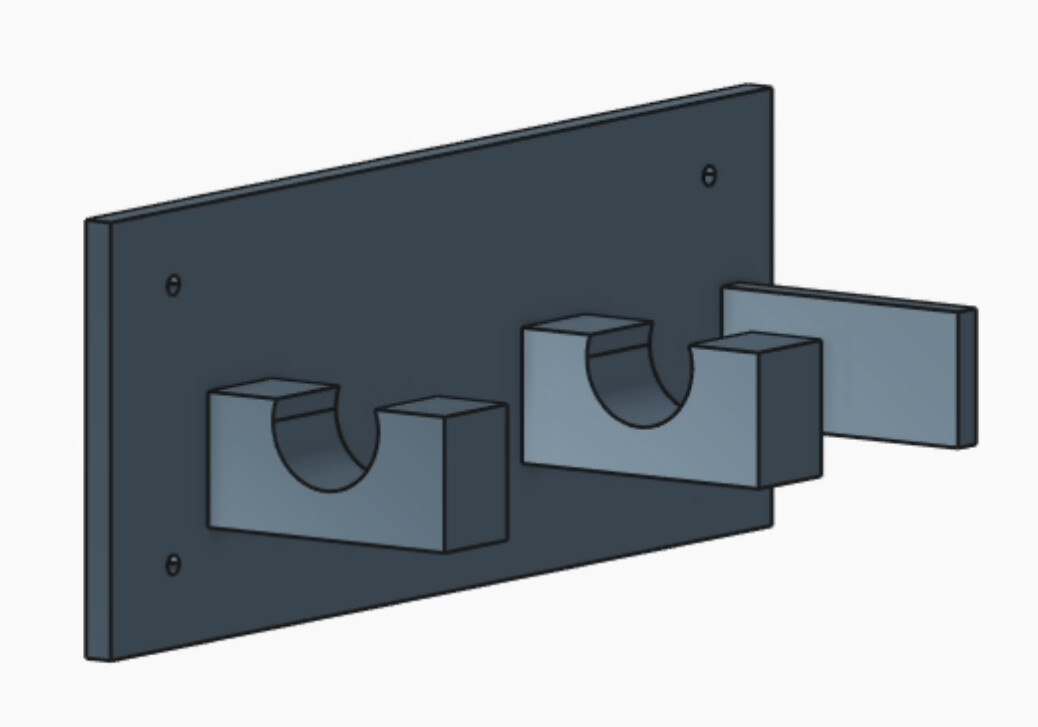
In trying to edit the work of the generative AI agent, things seemed fairly limited. Spending more time on the software may make things easier, but for now I was only able to manually edit parameters set by the agent. Any attempt to overwrite a parameterized dimension with a manually input dimension failed as it was just set back to the parameter. I was also not able to make sketches on any face I wanted to like in ordinary CAD softwares. I would continually get this error: “refactor: Could not find the KCL source for this edit. Try reloading the app, or update from code“ when trying to. Many parameters were made up of several other parameters, so it was tricky to edit the part in this way. I often found it most useful to just tell the AI agent what I want to happen, but even then it would get stuck at times.
This was my first attempt at using the generative AI features of Zoo. Has anyone had more success with editing features of a part that was initially created by AI?
Hey, Sterling, good to run into you here. Which version of Zoo Design Studio are you having these issues in? We recently had a bug reported that sounds similar to what you’re describing, and it was fixed in ZDS 1.2.16 which was released two days ago. Could you try updating to the latest version and see if that fixes the failed manual dimension input?
It’s definitely an intended use case to edit the model after it is generated by Zookeeper (I use it this way regularly), so if there are still issues with that workflow after updating we’d love to get them fixed! Please let us know if this is still happening for you in the latest version.
For the sketch on face issue, we’ve got a developer here who yesterday started working on what is likely the issue you’re hitting. You can follow updates on that issue here.
I’m sorry you’re hitting some of our rough edges here!
Caleb, thanks for the quick reply. I just tried again with the latest version and manually changing the dimensions is now working! As for the sketch on face issue, no worries. We are excited to see these tools progress and to use them more.
 Which version of Zoo Design Studio are you having these issues in? We recently had